The gap is measurable. MetLife's 2025 survey of 2,500 US full-time employees found only 57% fully understand their coverage, while 72% want tailored communications.
An employee benefits guide template gives HR a repeatable structure for eligibility, costs, enrollment steps, and contacts. Below: what belongs in the template, versions for different use cases, and how to keep it current.
Key Takeaways
- Translate plan complexity into clear decisions and next steps.
- Cover eligibility, costs, deadlines, enrollment steps, contacts, and controlling documents.
- New-hire, open-enrollment, annual-summary, and advisor guides need different detail.
- Verify effective dates, versions, accessibility, and plan data before distribution.
What Is an Employee Benefits Guide Template?
An employee benefits guide template is a reusable framework that organizes an employer's benefits for a specific workforce and purpose. It explains programs and how to use them. It does not replace the plan document, Summary Plan Description (SPD), insurance certificate, required legal notices, or professional advice.
Guide, Summary, and Statement Compared
| Document | What it does |
|---|---|
| Benefits guide | Explains available programs, choices, and enrollment |
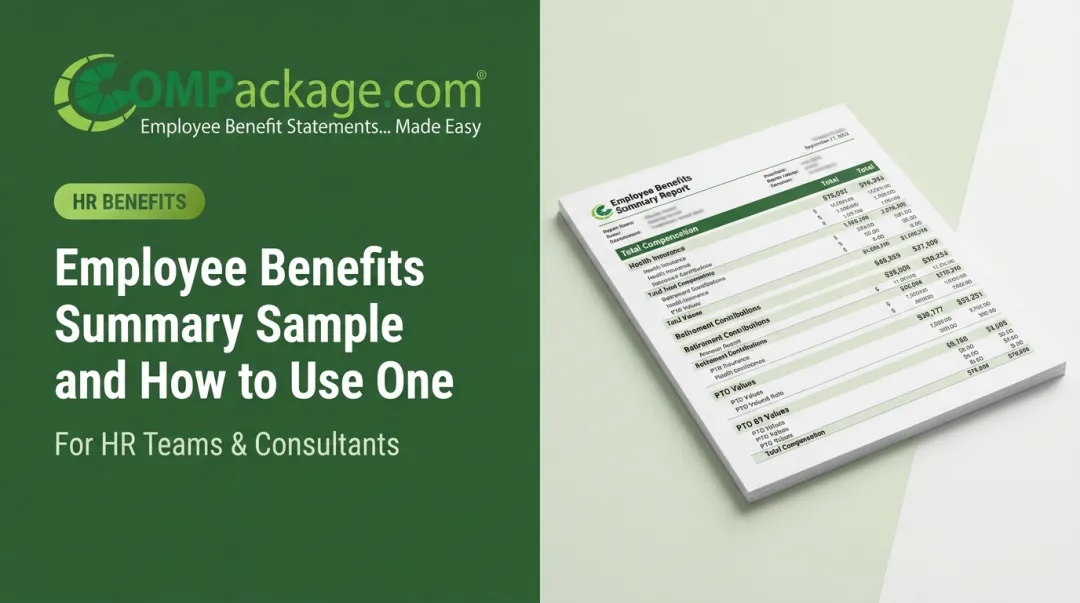
| Benefit summary | Gives a concise snapshot of coverage, costs, and deadlines |
| Plan document / SPD | Controls legal terms; the SPD explains rights in plain language |
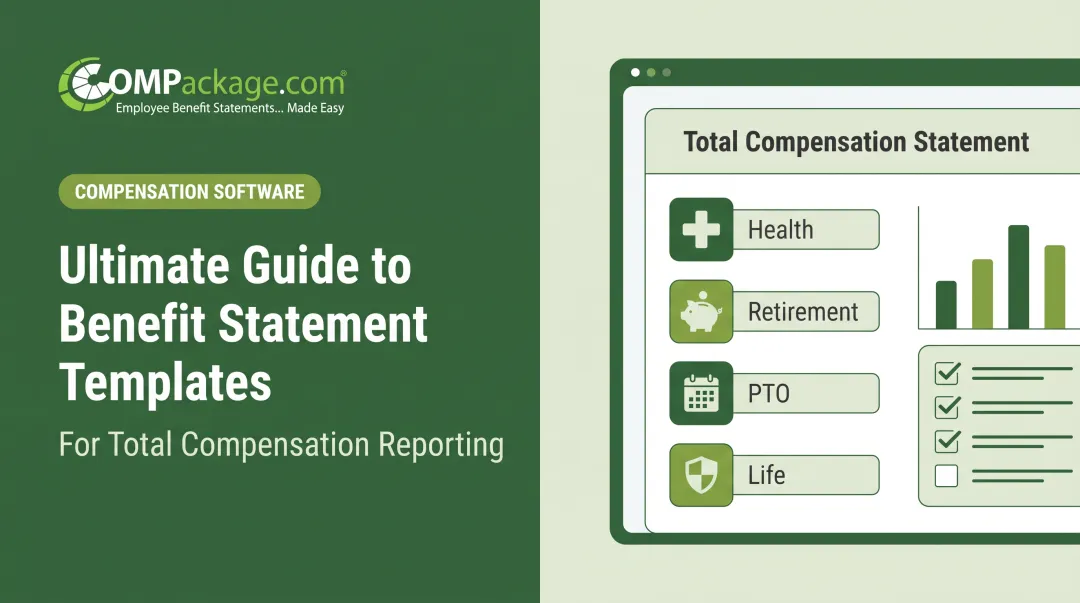
| Total compensation statement | Personalizes pay, employer-paid benefits, leave, and retirement for one employee |
Dallas County's 2026 guide shows the hierarchy in practice: it states that plan documents supersede the guide when they differ.
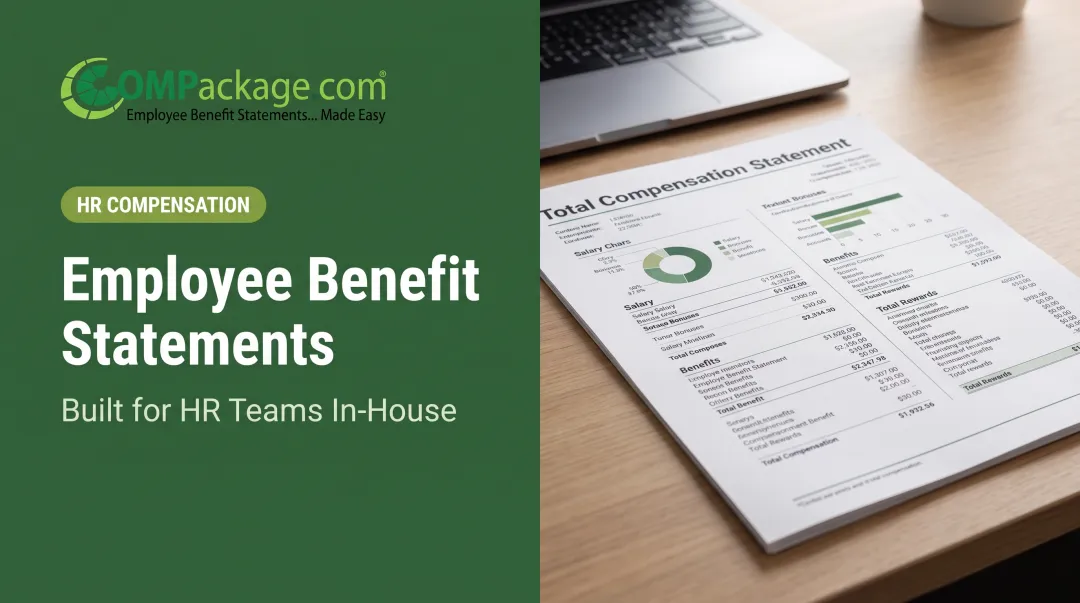
A total compensation statement can also include non-quantifiable rewards. For example, a sample $50,000 employee statement totals $71,839, including $6,322 for insurance, $5,532 for legally required benefits, and $4,957 for paid leave.

Traits of an Effective Template
- Plain language and consistent terminology
- Scannable headings
- Accurate cost figures
- Accessible formatting
- Prominent next steps
Choosing a Format
Match the format to audience, delivery method, workforce size, benefit complexity, and purpose (education, enrollment, recruitment, or retention). Quick checklist:
- Short digital summary: simple lineup, mobile-first workforce
- Detailed PDF: multiple plan options, open enrollment
- Portal resource: frequently updated links and forms
- Combination: a summary that links to the full guide and plan documents
What to Include in an Employee Benefits Guide
Opening Context
Open with the essentials employees need before they dig into plan details:
- Plan year or effective date
- Short welcome and benefits philosophy
- Eligibility overview
- How to use the guide and where official documents live
- What varies by employee class, location, employment status, or dependent eligibility
Core Benefit Sections
Build each section around the questions employees ask before choosing:
- Provider or administrator
- Who is eligible
- What it covers and key exclusions
- Employee and employer costs, deductibles, contribution rules
- Enrollment timing
- How to access care, file claims, find providers, and change coverage after a qualifying life event
Comparison and Decision Support
For multiple plans, add a side-by-side comparison that covers:
- Payroll deductions and employer contributions
- Deductibles and out-of-pocket limits
- Networks, coverage tiers, and tradeoffs
Explain choices in plain language and link to official summaries instead of copying carrier text. CMS publishes a Uniform Glossary with its Summary of Benefits and Coverage materials; use it as your terminology base.
For HSA-eligible plans, use current IRS figures. For 2026, the HSA limits are $4,400 self-only and $8,750 family, and HDHP minimum deductibles are $1,700 and $3,400.

Administrative Details
Spell out the operational details employees and admins need:
- Open-enrollment dates and new-hire deadlines
- Qualifying-event procedures and required forms
- Payroll timing, contacts, and escalation routes
- Enrollment links
Keep deadline fields separate. HIPAA special enrollment rights run at least 30 or 60 days depending on the event, while the 90-day limit caps waiting periods and is not an enrollment window. Verify every date and rule against current plan documents, carrier rules, and federal and state requirements.
Document Control
Close the guide with document-control basics:
- Effective date, revision date, and version ID
- Document owner
- Accessibility statement and privacy reminder
- Disclaimer pointing to controlling documents
Have your benefits administrator, broker, or legal counsel review it before publishing.
Employee Benefits Guide Templates by Use Case
New-Hire Guide
Structure:
- Welcome message
- Eligibility
- Benefits overview
- Enrollment deadline
- Step-by-step enrollment
- Required forms
- Contacts
- First-30-days checklist
Keep it short and link out for detail. Deadlines are employer-specific: San Diego gives 30 days from hire, Dallas County requires documents within 14 days.
Open-Enrollment Guide
Include:
- What's changing and what's staying the same
- Plan comparisons with employee and dependent costs
- Contribution changes and deadlines
- Decision tools and confirmation steps
Communication checklist:
- Email announcement and reminders
- All-hands meetings or webinars
- One-to-one support sessions
- A final-week deadline nudge
Communication matters. Aflac's 2025 findings show 46% of employers report year-round benefits communication, but only 34% of employees agree.

Annual Summary or Total Rewards Guide
Cover:
- Available benefits and employer-paid contributions
- Retirement contributions and paid leave value
- Insurance, voluntary benefits, and wellness resources
Separate organization-wide descriptions from employee-specific dollar values and eligibility. In one sample report, holiday, sick, and vacation time total $6,031 in company-paid value, and the 401(k) shows $500 from the company and $1,000 from the employee.

Small-Business Guide
Keep the lineup manageable:
- Eligibility and payroll deductions
- Enrollment steps
- Statutory benefits and voluntary offerings
- Contact list
Highlight what sets you apart, but don't present optional perks as guaranteed plan benefits.
Advisor or Broker Version
Standardize these fields:
- Plan names and effective dates
- Eligibility classes and contribution structures
- Carriers and renewal dates
- Required notices and client customizations
Consistent fields make it faster to update guides across clients while preserving each client's plan terms.
How to Customize, Distribute, and Maintain the Guide
Build the Company-Specific Version
Before drafting, gather:
- Current plan documents and carrier summaries
- Payroll deduction data
- Eligibility rules and enrollment dates
- Contact information
- Approved company terminology
Assign a content owner and a review workflow so HR, payroll, advisors, and legal each verify their sections.
Improve Comprehension and Accessibility
- Use short paragraphs and descriptive headings
- Keep contrast readable and document structure tagged
- Offer translated or alternative formats where needed
- Use examples that expose no personal information
- Label required benefits, employer-sponsored benefits, employee-paid voluntary benefits, and perks separately
The Federal Plain Language Guidelines advise writing for your audience's existing knowledge. Section 508 applies to federal agencies rather than every private employer, but its practices are a sensible baseline.
Distribute and Maintain
- Deliver digitally, through the portal, and in onboarding packets
- Send reminders before key deadlines
- Archive prior versions
- Add an effective date, revision history, and change summary
- Test links after publication

Review before each plan year and whenever terms change. IRS figures are year-specific, and SPD and SMM updates follow separate triggers.
Adding Personalized Statements
A general guide describes the program; it can't show each person their own numbers. COMPackage is one option for employers who want personalized total compensation reports alongside the guide. It offers:
- Self-service reporting you run in-house
- Customizable benefit categories (over 80 preprogrammed)
- Employee-specific displays that show only the benefits that person receives
- Bulk import from Excel through Employee LOADER
- On-demand updates throughout the year
It complements, and never replaces, formal plan documents.
Conclusion
The best benefits guide template is accurate, easy to scan, tailored to its audience, and tied to a clear action. Review it whenever plan terms, costs, providers, eligibility, or legal requirements change. Where it makes sense, pair general education with personalized total compensation statements so each employee sees the full value of their package.
Frequently Asked Questions
What is an employee benefit plan?
It is the collection of employer-sponsored or legally required programs that supplement wages. ERISA defines it as a welfare plan, pension plan, or both. The guide is the document that explains the plan to employees.
Can you give me three examples of employee benefits?
Health insurance, retirement benefits such as a 401(k), and paid time off. Offerings and legal requirements vary by employer and location.
What does a benefit summary look like?
A scannable overview of coverage, costs, eligibility, deadlines, and contacts. It is shorter than a full guide and, like the guide, doesn't override the formal plan document.
What should be included in an employee benefits guide?
Plan descriptions, eligibility, employee and employer costs, enrollment steps, deadlines, qualifying life events, contacts, effective dates, and links to controlling documents.
How often should an employee benefits guide be updated?
Review it before every plan year and whenever providers, costs, coverage, eligibility, deadlines, or legal requirements change. Record a version for every update.