Introduction
A compensation sheet shows the full value of an employee's pay package, not just the salary or hourly wage. Most employees only see the number on their paycheck.
That gap is real. Only 57% of employees fully understand what their benefits cover. Meanwhile, payroll and benefits data sit in separate systems, employer costs stay hidden, and calculations vary from one manager to the next.
This guide covers what a compensation sheet is, what belongs in a template, how to build one, and when a spreadsheet stops being the right tool.
Key Takeaways
- A compensation sheet puts direct pay, variable pay, benefits, and employer contributions in one place.
- It reports individual figures. A compensation plan sets the rules behind them.
- Separate guaranteed, variable, employer-paid, employee-paid, and non-cash values.
- Label assumptions, protect confidentiality, and get legal review before sharing.
What Is a Compensation Sheet and How Is It Different From a Compensation Plan?
A compensation sheet is a structured worksheet or statement that organizes one employee's (or one role's) pay details. Employers use it for budgeting, offers, reviews, recruiting, and manager conversations.
Sheet vs. Plan vs. Total Compensation Statement
- Compensation sheet: displays pay details for one employee or role.
- Compensation plan: sets pay philosophy, salary ranges, incentive rules, eligibility, performance measures, and approvals. SHRM's guidance calls that philosophy the "why" behind pay.
- Total compensation statement: communicates the full value of one person's package (also called a total rewards or benefit statement). In practice, "sheet" and "statement" often overlap.
Guaranteed vs. Conditional Pay
Base salary and hourly wages are guaranteed. Bonuses, commissions, equity, and profit sharing depend on performance or goals. A good sheet never blends the two without labels.
Common Use Cases
- New-hire offers and recruiting
- Annual reviews and promotion decisions
- Pay-equity analysis
- Benefits communication
- Budgeting
What to Include in a Compensation Sheet Template
Employee and Position Fields
- Name or identifier, job title, department
- Employment status and pay frequency
- Manager, work location (when relevant)
- Effective date and review period
Direct Compensation
- Annual salary or hourly rate, with expected hours
- Overtime eligibility and rate
- Shift differentials, commissions, and bonuses
- Other recurring or one-time cash payments
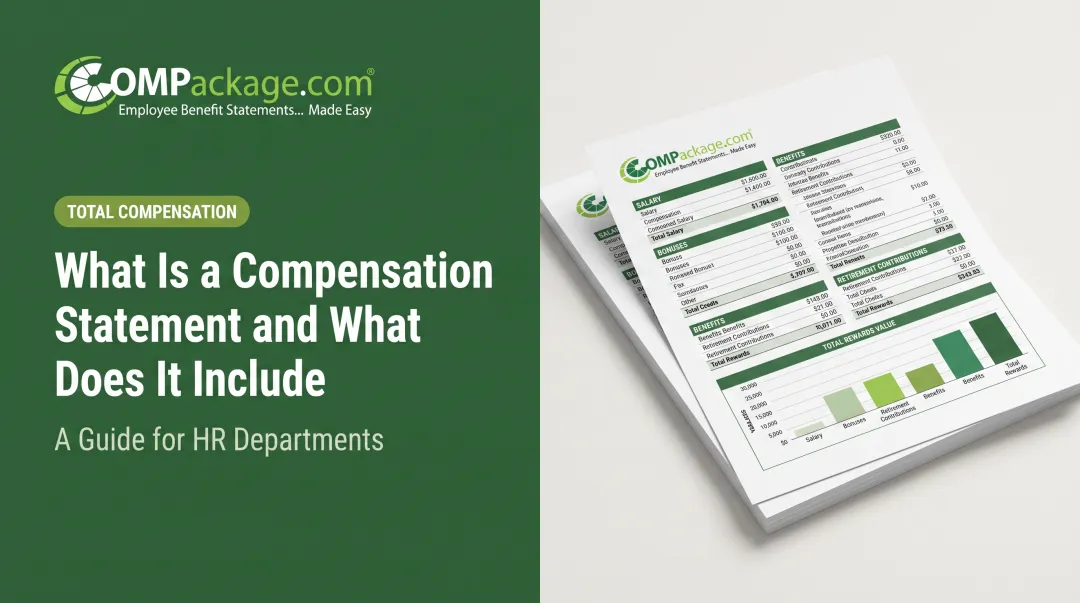
A sample report shows how this looks: a $28.00 hourly rate across 2,000 regular hours totals $56,000, and 141 overtime hours at $42.00 add $5,922.
Benefits and Contributions
Include major benefit categories:
- Health, dental, and vision
- Life and disability insurance
- Retirement contributions
- Paid leave and wellness programs
For each, show the employer-paid amount and the employee-paid amount in separate columns. In that same sample, health insurance shows $9,600 from the company and $1,200 from the employee.
Mark every value as monthly, per pay period, annual, estimated, or eligibility-dependent. Include mandated items too. BLS data shows benefits make up 30% of employer compensation costs in private industry, and legally required benefits alone account for 7.2%.

Total-Value Summary
Don't collapse everything into one unexplained number. Show these as distinct lines:
- Base pay
- Variable pay
- Employer-paid benefits
- Employee-paid benefits
- Non-cash benefits
One COMPackage sample breaks it down this way:
- Direct pay: $63,408
- Company benefit contributions: $30,724
- Employee contributions: $8,149
- Grand total: $102,281
Assumptions and Notes
- Estimated incentives and eligibility conditions
- Vesting or waiting periods
- Tax treatment and possible benefit changes
- The date the figures were calculated
- A rounding note: totals may differ slightly
How to Create and Use a Compensation Sheet
- Define the purpose and audience. A budgeting sheet needs different detail than a job-offer sheet. Include only what the purpose requires.
- Gather and standardize data. Pull from payroll, benefits, HRIS, retirement, insurance, and incentive records. Pick one source per field and name who owns updates.
- Build transparent formulas. Annualize hourly wages using 2,080 hours (52 weeks x 40), the BLS convention, and adjust when actual hours differ. Label estimates. Never present target bonuses as guaranteed pay.
- Validate with a second reviewer. Check totals against payroll and benefits records, test formulas on different employee types, and confirm ineligible benefits don't appear.
- Set a distribution and update process. Cover approval, secure delivery, employee questions, change tracking, and updates after raises, promotions, elections, or plan amendments.

Pay attention to the cutoff date. Some employers, such as Dartmouth, base statements on data as of December 31 and use the annual rate on that date, not wages actually paid. Say which approach your sheet uses.
Compensation Sheet Best Practices for US Employers
Treat It as Confidential
- Restrict access and use secure storage and delivery
- Limit data to what the recipient needs
- Skip sensitive details that serve no purpose
Keep It Clear and Fair
- Use consistent field definitions and comparable role structures
- Document assumptions
- Run periodic pay-equity reviews
Add Compliance Safeguards
Have HR or a qualified legal adviser review federal, state, and local rules before you distribute a template. Overtime, benefits, privacy, and disclosure requirements all vary.
- Several states, including California, Colorado, New York, and Washington, require pay-range disclosure in job postings
- Give offer-related sheets extra scrutiny before you send them
Should You Use a Spreadsheet Template or Compensation Software?
Where Spreadsheets Work
Spreadsheets cost little, bend to any layout, and suit small teams. For a handful of employees and a one-time exercise, they're often enough.
Where They Break Down
- Manual formula errors. A well-known spreadsheet audit of 50 workbooks found errors in 1.79% of formulas.
- Version conflicts and duplicate data entry
- Weak access controls
- Slow production of employee-specific statements

Consider software when updates recur, your census is large, or you track many benefit categories. Bulk imports, role-based access, branding, and auditability also push teams past spreadsheets.
COMPackage as One Option
COMPackage is a hosted, self-service total compensation reporting tool with nothing to install. Core capabilities include:
- Employee LOADER imports data from any Excel file
- Over 80 preprogrammed benefits, with editable detail
- Reports show only the benefits each employee receives
- Custom logo and report colors
- Free report changes throughout the subscription year
Annual pricing runs from $149 to $2,999 depending on employee count.

Frequently Asked Questions
What is a compensation sheet?
A document or worksheet that summarizes an employee's direct pay, variable compensation, benefits, employer contributions, and other package elements in one place.
What is a compensation plan?
The broader framework governing how an organization sets, administers, and communicates pay, benefits, incentives, eligibility, and performance-based rewards.
What does your compensation mean?
It's the total value you receive for your work: wages or salary, variable pay, employer-paid benefits, paid leave, and any non-cash rewards.
What should be included in a compensation sheet?
Employee details, base pay, variable pay, benefits, employer contributions, totals, effective dates, assumptions, and eligibility notes.
How often should a compensation sheet be updated?
Update it whenever pay, role, benefits, eligibility, or incentive terms change. Add a broader review tied to your compensation and benefits cycles, such as annually.